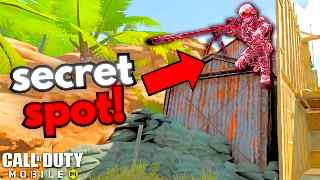
 Before
After
Before
After
We analyzed 500 gaming thumbnails. Here is the one visual mistake killing your click-through rate.
Before
After
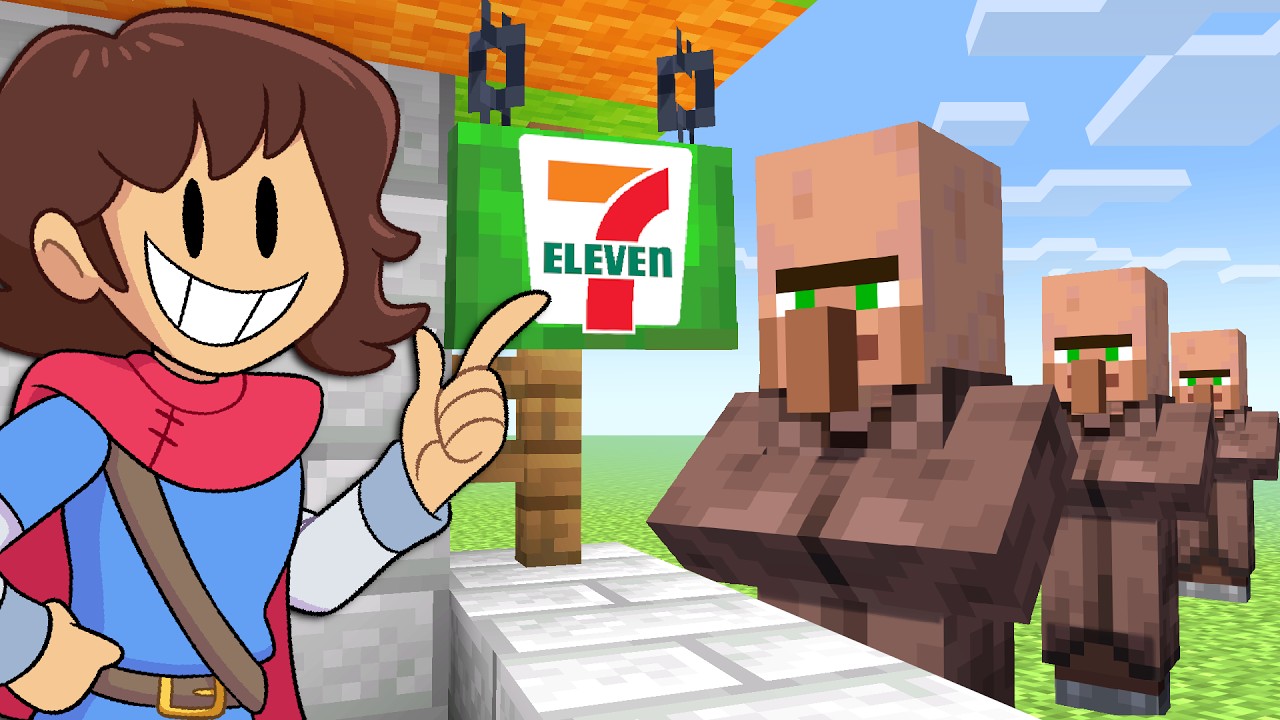
 Before
After
Before
After
Drop your 1280×720 thumbnail. PNG, JPG, or WEBP—no account needed to start.
AI checks face dominance, text readability at 120px, contrast ratio, and layout balance.
Get 3 specific fixes—like "increase face size by 15%"—then publish with confidence.
No trials, no surprises. See exactly what each plan includes
and decide in 30 seconds.
billed annually · cancel anytime
Start Prono credit card · no time limit
Upload your thumbnail image, type your video title, and click analyze. You'll get a score and actionable fixes within seconds.
We support PNG, JPG, and WEBP files up to 5MB. For best results, use standard YouTube thumbnail size (1280×720).
Yes, you can check up to 3 thumbnails a day completely free, with no credit card required.
VidLint uses computer vision and AI models trained on thousands of thumbnails. It successfully flags common weaknesses like low contrast or poor face dominance.